
Connect an existing catalog
Connect a supported platform to bring in products, variants, photos, prices and location inventory.
One iPad. Complete outfits from your available stock. Shoppers preview the look; your team gets the exact items to bring.
The trial starts when your first iPad connects. No automatic paid subscription.
Your products, available sizes
Complete looks on one iPad
Exact items for your team
See the shopper journey, all on one iPad.
A full-screen store film welcomes shoppers. One tap starts the styling session in their language.
You choose the enabled languages for each store.
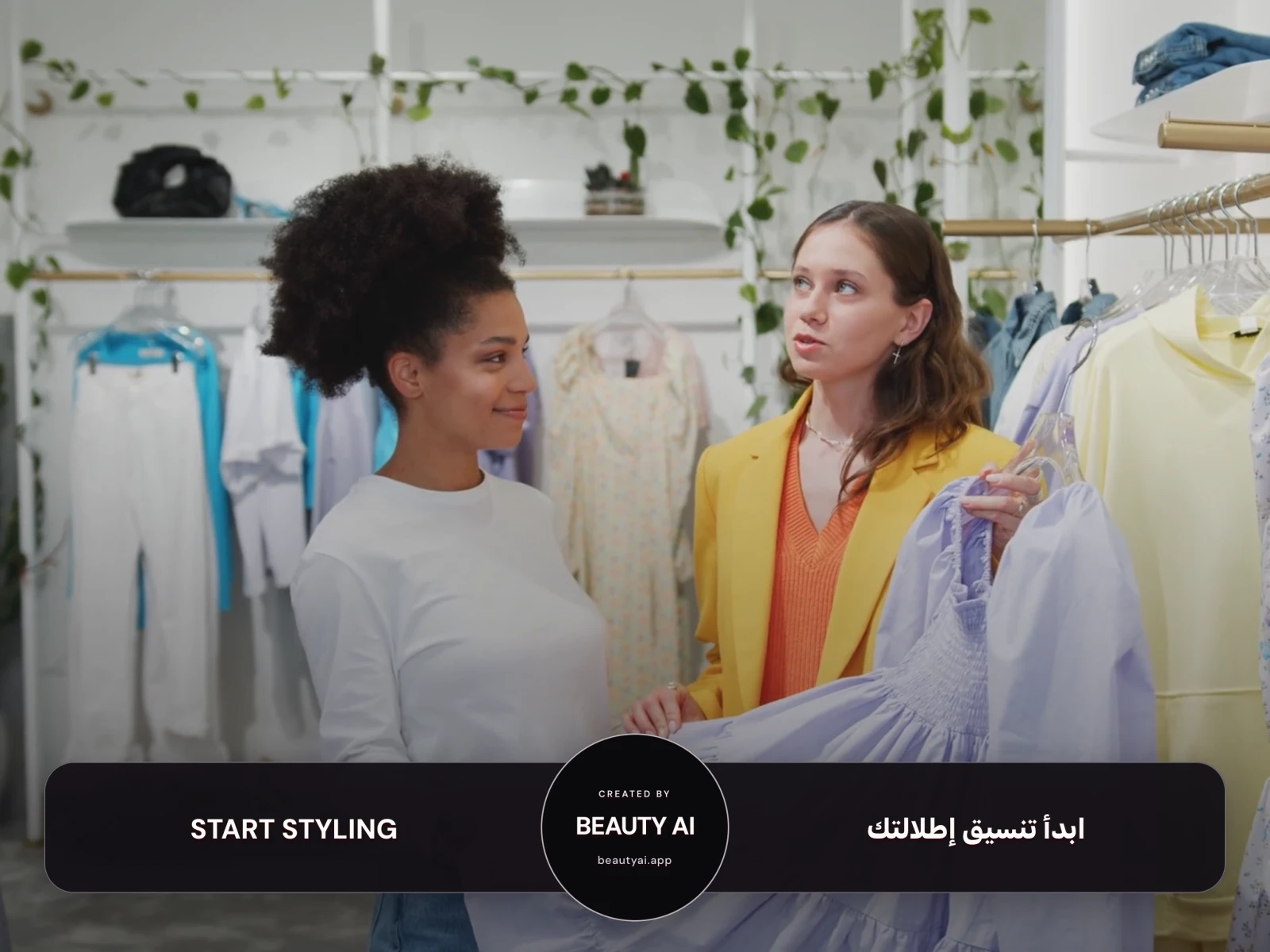
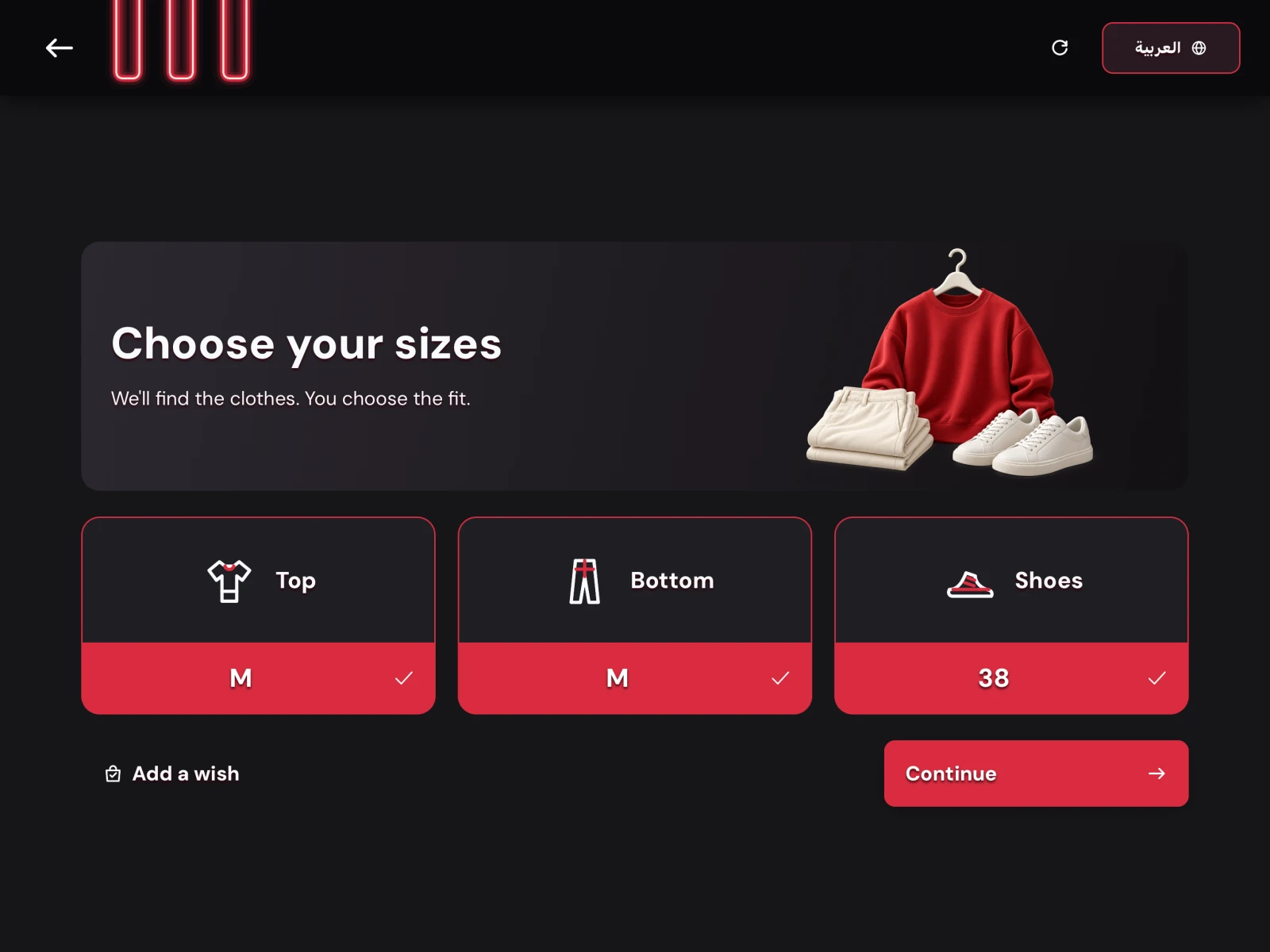
Shoppers select their top, bottom and shoe sizes from the store's available options. A short wish is optional.
Next, choose a mannequin or personal-photo preview. No compulsory body questionnaire.
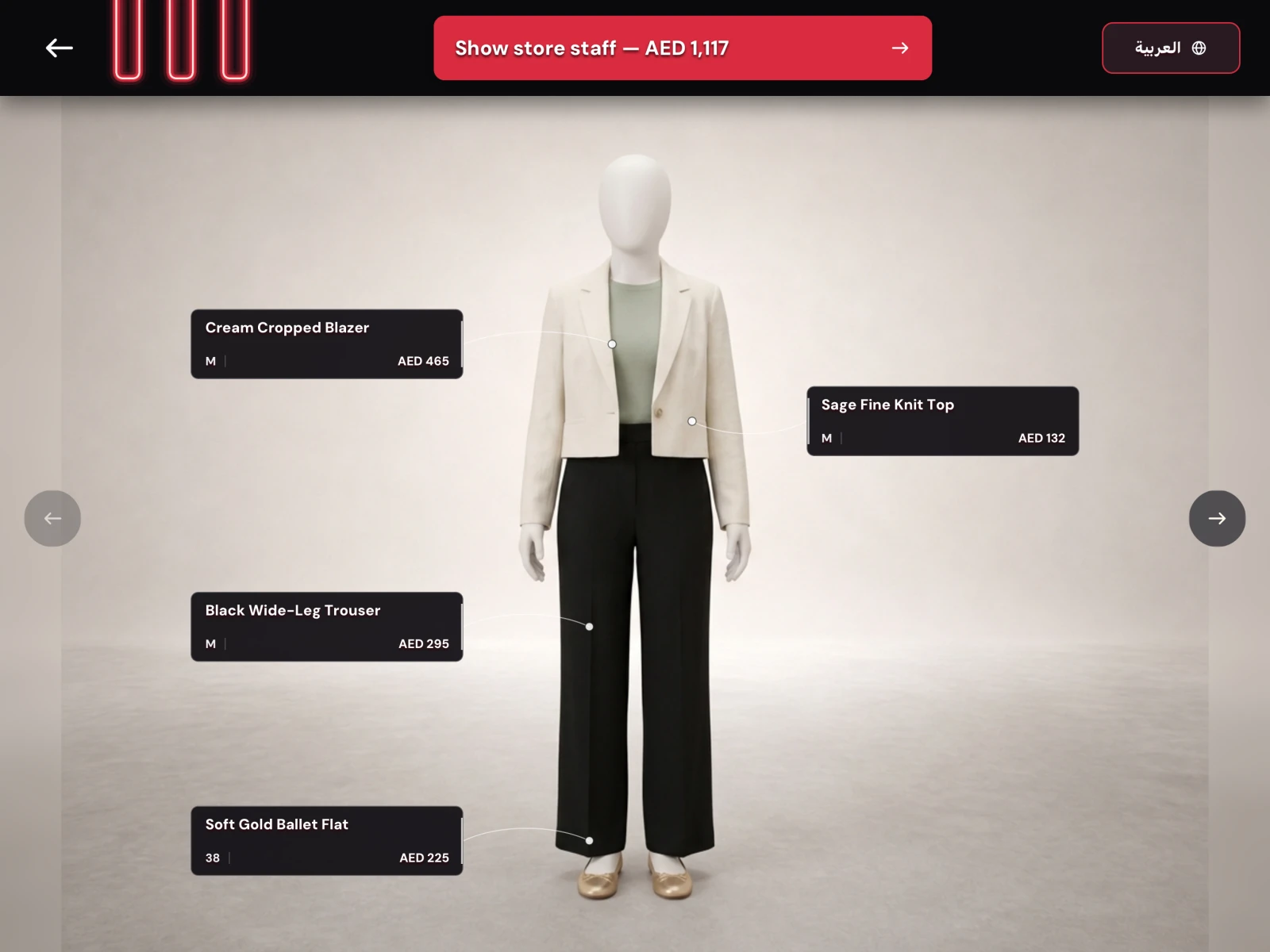
Beauty AI puts together complete outfits from the store's catalog. Shoppers can explore their generated looks on the iPad.
Product labels keep names, selected sizes and prices close to the outfit.
The shopper shows the same iPad to a store employee. The list gives your team the exact pieces, sizes, SKUs and store locations.
The kiosk does not notify staff, reserve stock or take payment. Your existing checkout stays exactly where it is.
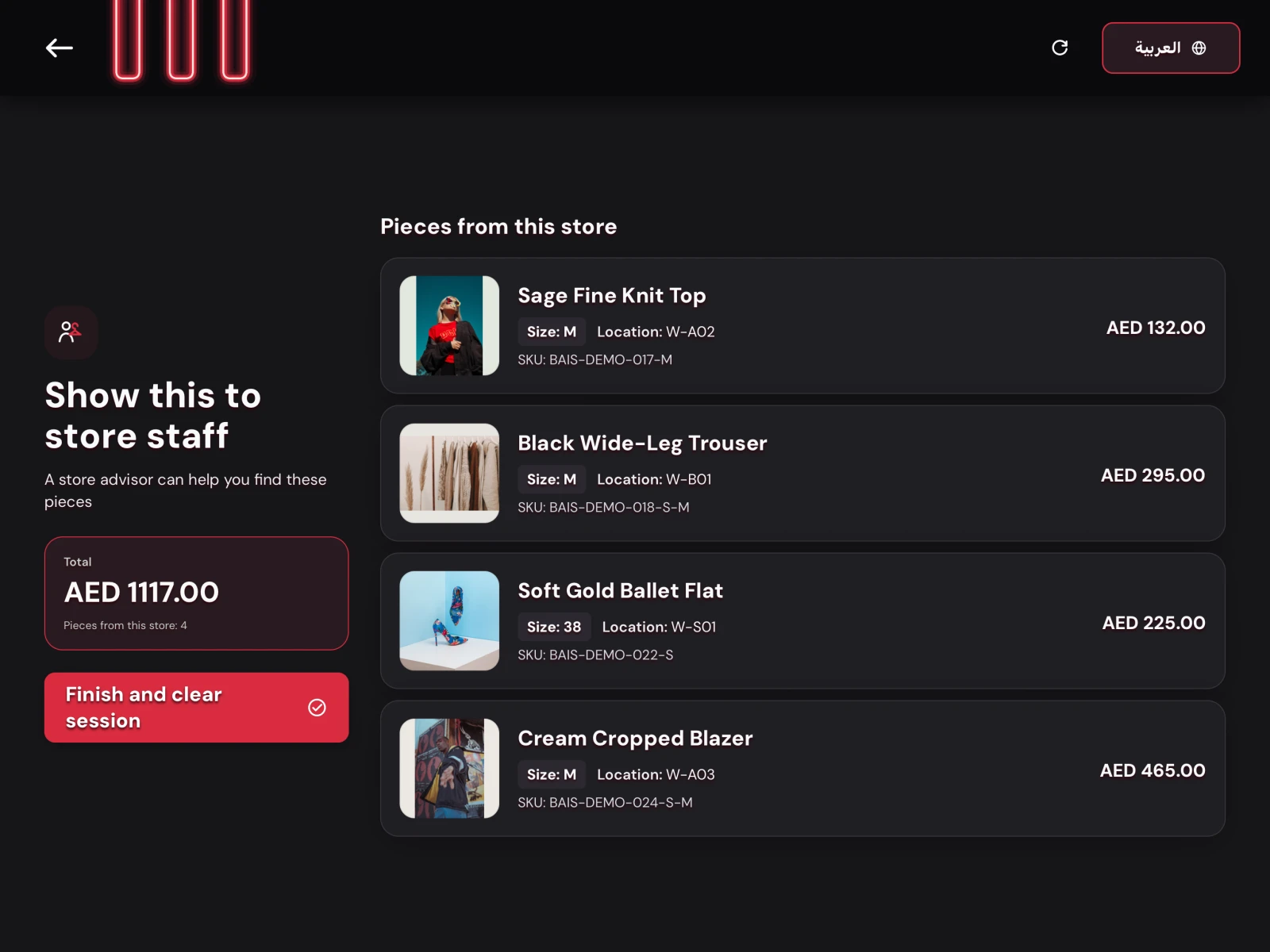
Real app screens from an example test-store session. AI previews are illustrative, not a guarantee of physical fit.
Connect your platform or add products yourself. Recommendations use the stock and sizes at each location.
Connect a supported platform to bring in products, variants, photos, prices and location inventory.
Upload a batch, review the drafts, and confirm exact sizes, SKUs, prices and stock before publishing.
CSV import and manual entry are also available.
Manage products, connected iPads and settings. Track sessions, looks and staff handoffs.
Prepare your catalog first. Connect the iPad when your store is ready.
Register your business and first location. No credit card required.
Connect your store platform or upload photos. Confirm products, sizes, prices and stock.
Install the app, enter the setup code, and try your first outfit. Your trial starts here.
Use an iPad with iPadOS 16.4 or later, a landscape stand, power and reliable internet. Hardware is not included.
Download Beauty AI Kiosk for iPadMannequin mode needs no camera. Personal previews require permission and consent. Temporary session data clears when the session ends.
Read how photos are handledCreate your workspace and prepare the catalog before your trial starts.
The website is available in English and Spanish. The current iPad experience runs in English, with Arabic optional for each store.
Test one location and one iPad before choosing a plan. No credit card and no automatic paid subscription.
For one independent store
$149 monthly / $1,490 annually
Start 30 days freeRecommended for 2–10 clothing stores
$449 monthly / $4,490 annually
Start 30 days freeFor 11+ clothing stores
An agreement for your store group
Talk to our teamPrices are in USD. Applicable taxes are shown at checkout. Annual plans are billed yearly; look allowances reset monthly. Trial use does not turn into a paid subscription automatically.
The essentials before you connect your first iPad.
The iPad app, browser-based store console, catalog and kiosk settings, connected-device management, store journey analytics and a successful-look allowance. Paid plans charge only for successful looks above the monthly allowance; failed generations are free.
Your store supplies or reuses a compatible iPad, a secure landscape stand and continuous power. The app requires iPadOS 16.4 or later and a reliable internet connection. Beauty AI supplies the software; this is not a hardware package.
Yes. Connect Shopify, WooCommerce or Square, or upload product photos and confirm the resulting drafts. CSV and manual entry are also available. Product identifiers, sizes, prices, stock and store locations come from your team or the connected source. Complete, available products are required before the kiosk can create outfits.
No. Mannequin mode works without a camera. Personal visualization is optional: the app requests permission and consent before AI processing, then clears temporary session data. Every AI preview is a styling visualization, not a guarantee of physical fit.
Prepare your workspace and catalog first. The trial starts when your first store iPad connects and covers one location and one iPad for 30 days or 500 successful looks, whichever comes first. No credit card is required and it does not automatically become a paid subscription. Choose a plan in the store console when you are ready.
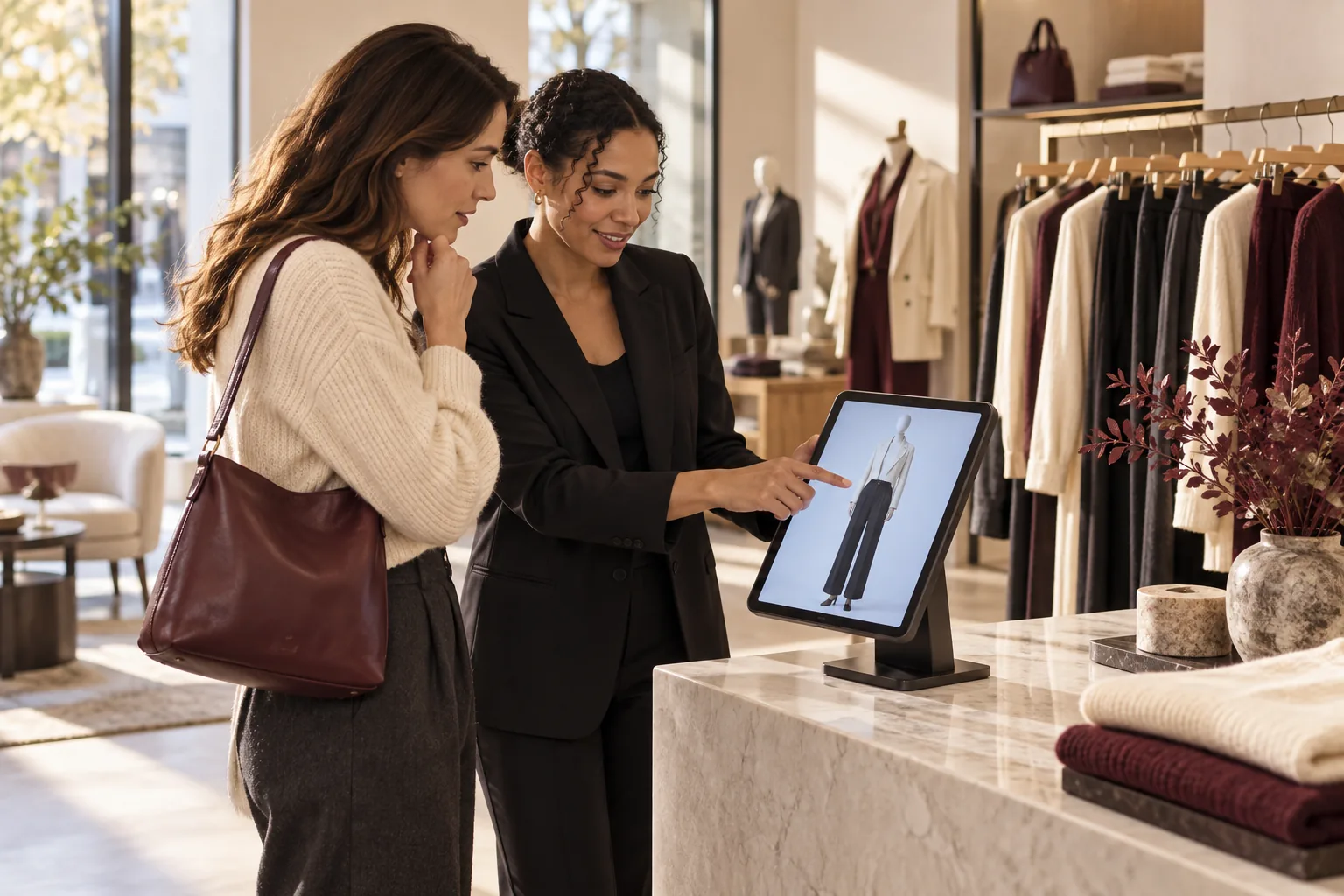
Understand what a virtual fitting room can do, what it cannot promise, and how to test one against your real store catalog.

Decide whether your store needs customer relationship tools, in-store outfit guidance, or both.
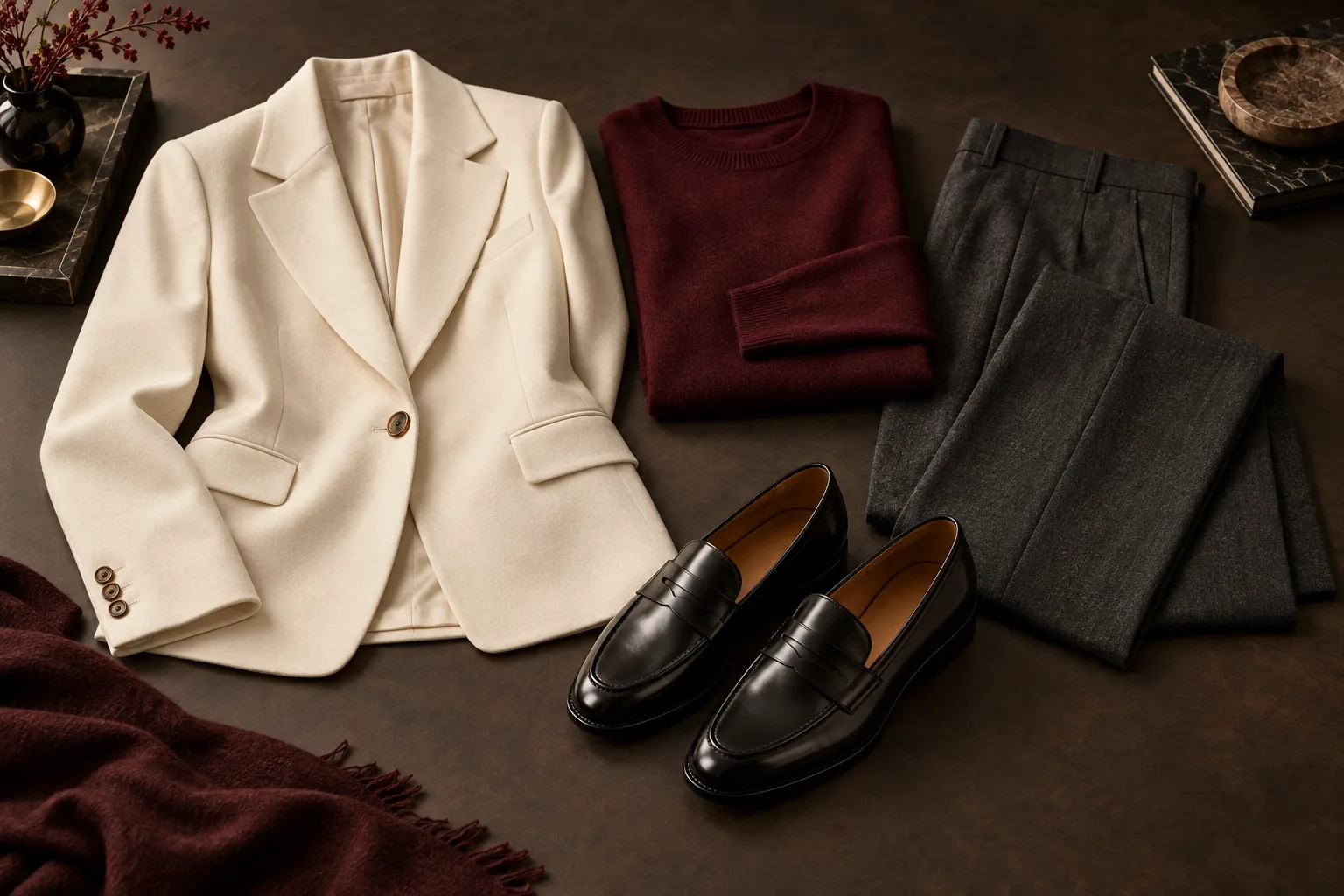
A store-floor guide to recommending complementary clothes, preparing exact item lists and measuring whether the approach helps.