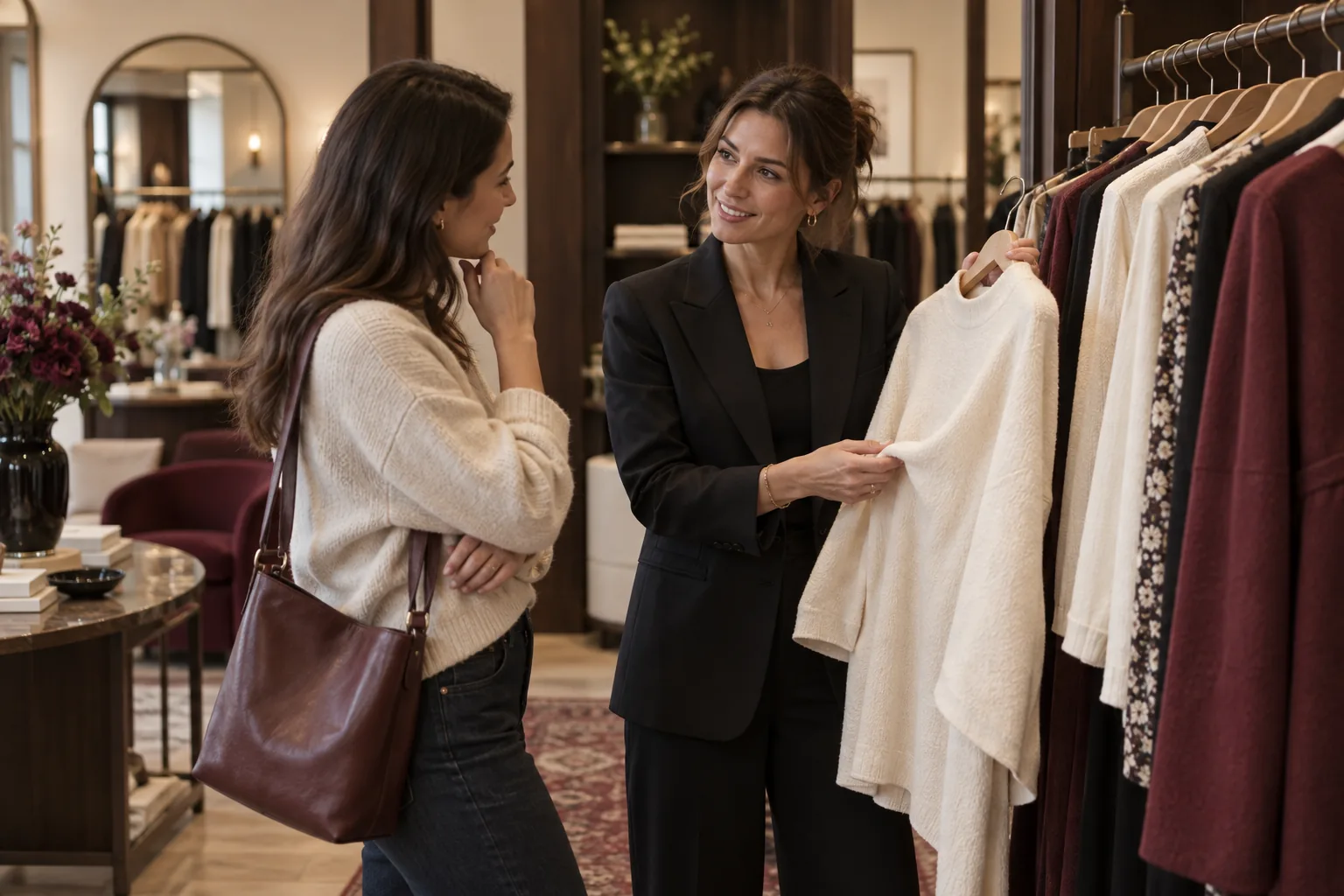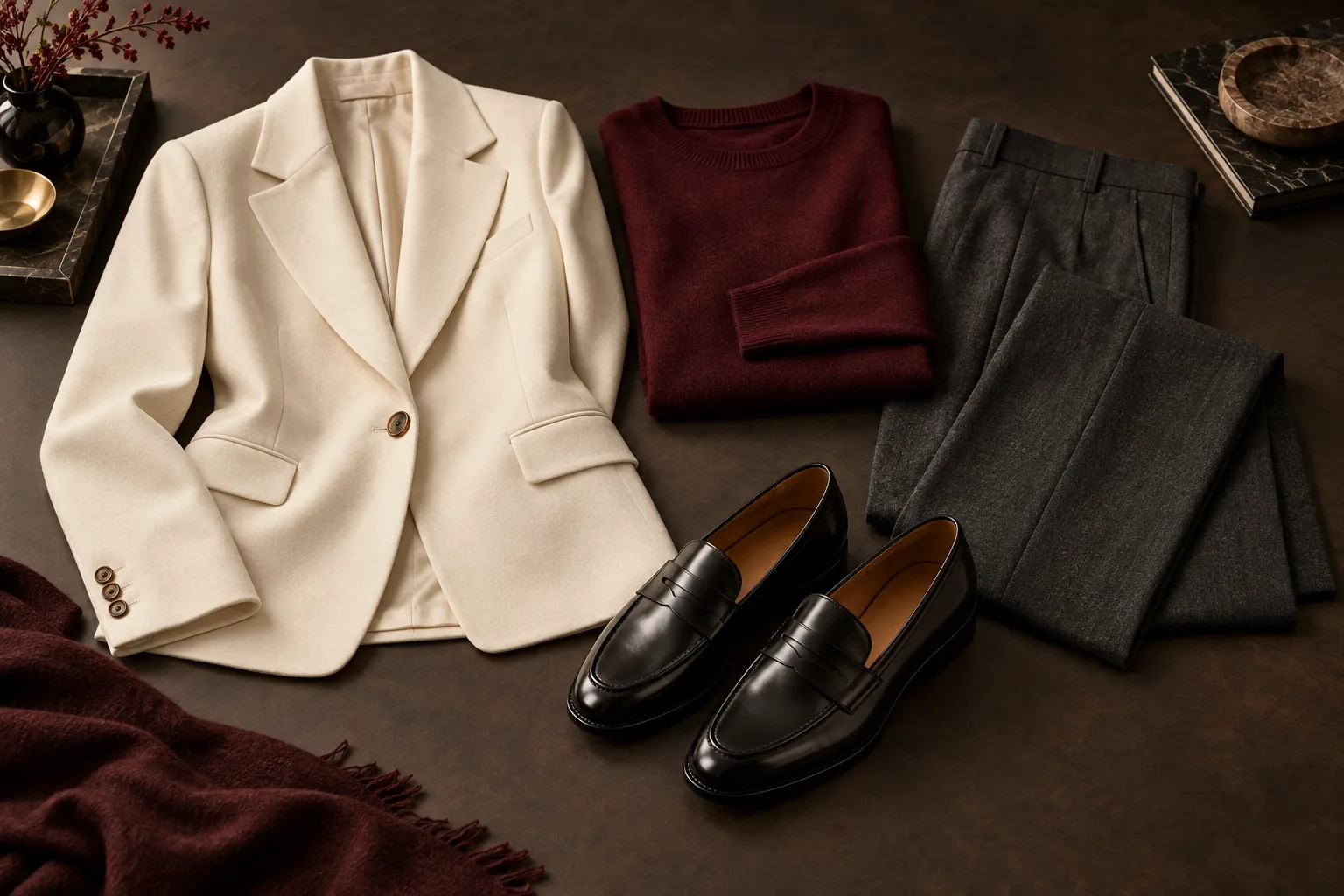
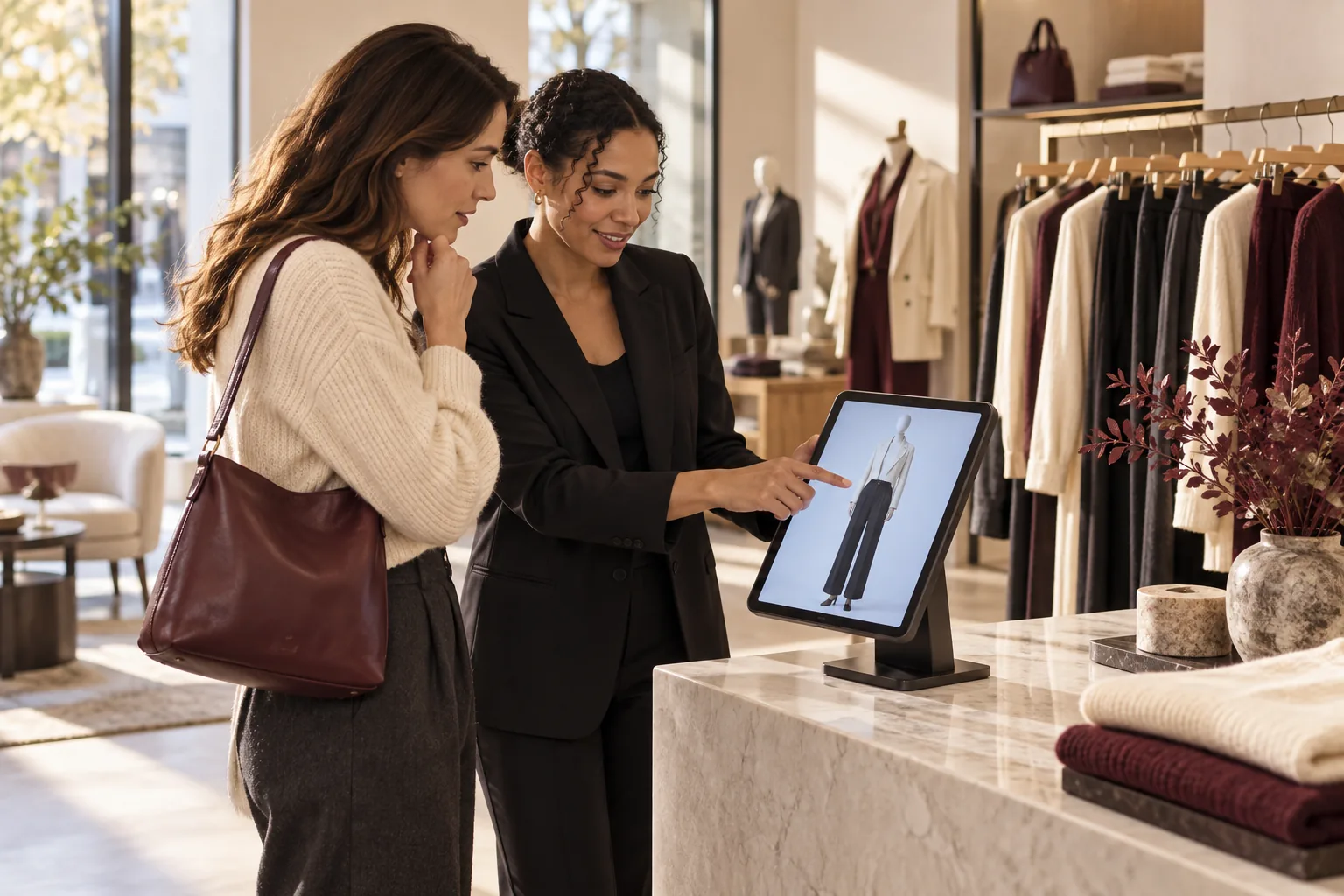
A virtual fitting room helps shoppers preview clothing before choosing what to try or buy. For a physical store, the key is connecting that preview to products and sizes available at that location. This guide covers the experience, catalog, cost and pilot checks to make before choosing a supplier.
Jump to a section
What is a virtual fitting room?
The term describes several different experiences. Some place a garment over a camera view. Others generate an image of a person wearing a selected outfit. Some use a mannequin or an avatar instead of a personal photo. A separate category recommends sizes from measurements, product data or purchase history. These tools answer different questions, even when vendors use similar names.
If your customer is wondering whether a jacket works with a skirt, visual styling may be useful. If the question is whether a waistband will feel comfortable, an attractive picture is not enough. Ask every supplier which question its product answers, and make that distinction clear on the shop floor.
Compare the experience before comparing the price
Use this buying framework when reviewing demonstrations. Ask to see the same real product and size in each system. Stock photography and a polished promotional video cannot show whether the software respects your inventory.
| Approach | Useful for | What to verify |
|---|---|---|
| AI outfit visualization | Seeing colors and pieces together | Exact product references, visual errors and photo handling |
| Mannequin preview | Exploring outfits without a face photo | A complete outfit that matches the local catalog |
| Size recommendation | Selecting a likely size | Required measurements, product sizing data and validation |
| Physical fitting room | Checking feel, movement and comfort | Available garments and staff assistance |
Six catalog checks before you launch
The catalog is the connection between the screen and a possible sale. A beautiful result is frustrating if the suggested shoes are sold out or the trousers are only available in another location. Prepare the catalog before connecting the customer-facing device.
Work with a coherent selection rather than an arbitrary product count. A store with tops but no compatible bottoms or shoes may not be ready for the complete-outfit workflow. Check the launch requirements in the merchant console and test common size combinations.
- Give each sellable variant a stable SKU or identifier.
- Confirm size labels and separate product-level information from variant stock.
- Use clear, accurate product photos; avoid relying on a guessed color or cut.
- Check prices, currency and inventory for the specific store location.
- Assign someone to maintain manual entries or monitor the connected source.
- Test an unavailable size and a sold-out item, not only the ideal scenario.
Plan the shopper journey and staff handoff
Place the iPad where customers can use it comfortably and staff can notice when help is needed. It should support the visit without blocking the entrance or the physical fitting rooms. A stable stand, continuous power and a reliable connection matter more than an elaborate display.
In Beauty AI Kiosk, the shopper chooses available top, bottom and shoe sizes and can add a short wish. Next comes a mannequin or optional personal-photo preview. The customer selects a look and shows the item list to an associate on the same iPad. The associate checks availability, collects the garments and continues the conversation.
Do not describe that handoff as an automatic reservation or an order unless your implementation actually creates one. In Beauty AI Kiosk, the selected item and size list supports a local handoff; the iPad is not a checkout terminal and does not create a fitting-room reservation queue.
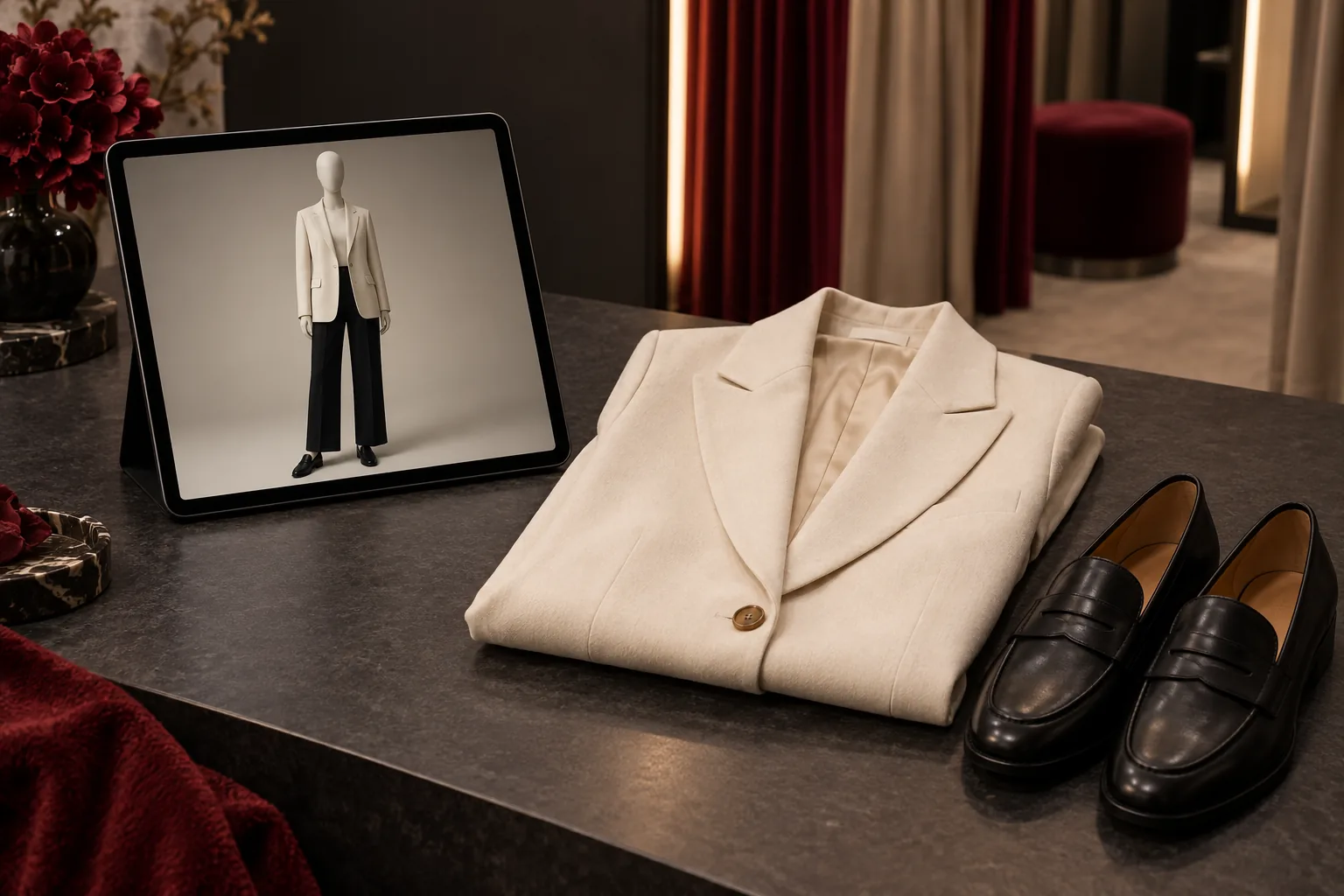
Demonstration scenario: from one available size to staff
This is a demonstration checklist, not a customer case study or evidence of a sales increase. Use your own current catalog and one store-owned iPad. Do not add fictional SKUs or customer photos just to make a demo look successful.
Start with the smallest coherent assortment that contains compatible tops, bottoms and shoes. The exact available sizes matter more than the number of products. If a category or selected size has no eligible stock, fix the catalog rather than expecting AI to invent a replacement.
- Pick one department and one real available size for tops, bottoms and shoes. Confirm variant identifiers, prices, currency and location.
- Choose the mannequin preview so the first demonstration does not require a personal photo.
- Check the generated look against the actual garments. Note changed details; a convincing image does not prove fit or precise color.
- Open Show store staff on the same iPad. Ask an associate to locate each exact SKU and size from the displayed item list.
- Try a second size combination and a known unavailable size. The unavailable variant must not appear as sellable stock.
- Finish and clear the session. Verify that the next shopper cannot see the previous wishes, photos or look history.
| Observation | Ready to continue | Fix before a live pilot |
|---|---|---|
| Catalog | Every suggested variant exists in the chosen store and size | Missing identifiers, guessed stock or wrong location |
| Preview | Enough visual fidelity to choose garments to physically try | Altered garment details presented as exact evidence |
| Handoff | Staff can find the displayed items on the same iPad | A claimed notification, reservation or checkout that does not exist |
| Reset | Previous session data is cleared | The next shopper can see previous personal content |
Make personal visualization optional
Some customers want to see a look on themselves; others prefer not to provide a photo. Offer a mannequin path and explain the personal-photo path before a customer starts it. A staff member should be able to explain what is sent, why it is needed and how to end the session.
Beauty AI Kiosk requests explicit consent for the disclosed AI processing before sending the temporary face crop for personal visualization. The original and cropped photo are not saved to the Photos app, and the iPad clears its temporary copy when the session ends, resets or expires. The published privacy policy explains processing by Google Gemini and provider retention separately.
Image generation can alter details. Ask staff to treat the result as a styling preview and direct shoppers to the real garment for fabric, fit, construction and final color.
Run a pilot with a clear decision rule
Pick one store, a responsible team member and a fixed review period. Before launch, record how customers currently discover outfits and where staff lose time. Decide which outcome would justify continuing: more relevant garments taken to the fitting room, clearer handoffs, or more complete-outfit purchases.
Keep a simple daily record of sessions offered, sessions completed, requests for staff help and observed problems. Use your existing checkout reports to review units per transaction and average transaction value. The kiosk alone does not prove that a session caused a sale; transaction attribution requires a separate, deliberate measurement process.
Compare similar weekdays and note promotions, staffing changes and stock differences. A busy promotional weekend is not a clean comparison with an ordinary weekday. Agree on the decision rule before seeing the results so that a visually impressive demo does not become the only reason to keep paying.
How much does a virtual fitting room cost?
Compare the total cost of a usable store installation: the software subscription, a compatible device and stand, catalog preparation, staff introduction and any usage charges. Ask whether the quote includes hardware and whether an annual commitment is required. A low headline subscription does not cover missing catalog data or the work of keeping stock accurate.
For a concrete software example, the Beauty AI Kiosk Boutique plan is $149 per month or $1,490 billed annually. It covers one location, up to three store-owned iPads and 500 successful looks each month, with $0.12 per additional successful look. Hardware is not included, applicable taxes are shown at checkout and failed generations are free. Check current pricing before committing.
- Compare monthly and annual totals, not only the advertised monthly equivalent.
- Confirm how the supplier counts successful and failed generations.
- Separate store equipment and staff preparation from the software budget.
- Use your own pilot results before projecting revenue or payback.
Where Beauty AI Kiosk fits
Beauty AI Kiosk is software for an iPad inside a clothing store. It creates complete outfits using products and sizes from the current store catalog, offers mannequin or consented personal visualization, and keeps exact selected items available for staff on the device. The store supplies the iPad, stand, power, connection and catalog.
You can create a workspace and prepare the catalog before the trial clock starts. The cardless test begins when the first store-owned iPad connects and ends after 30 days or 500 successful displayable looks, whichever comes first. It covers one location and one physical iPad and does not automatically become a paid subscription.
Review the website demonstration and current plans before creating your store workspace. Choose the product if in-store outfit discovery is your immediate need; evaluate dedicated sizing technology separately if fit prediction is the main requirement.
Questions store owners should ask
Does a virtual fitting room replace physical fitting? No. A preview can help a customer decide what to try, but it does not establish comfort, fabric feel or exact physical fit.
Do shoppers need to register? Beauty AI Kiosk does not require a shopper account. Merchant registration and device connection are separate setup steps for the store.
Can a small independent store test it? Yes, provided it can supply a compatible iPad, reliable connectivity and the required accurate catalog. Complete those checks before starting the trial.
Sources and product references
Build outfits from your store’s stock on one iPad. Shoppers preview the look; staff see exactly what to bring. Start 30 days free · See the iPad experience.
1 store · 1 iPad · 30 days or 500 successful looks, whichever comes first. No card. No automatic paid subscription.