
Clienteling is personalized retail service built around an ongoing customer relationship. It commonly uses preferences and purchase history to help associates serve returning customers. Guided selling answers a different question: what should this shopper consider during the current visit? A clothing store may need both, but an in-store AI stylist is not automatically a clienteling CRM. Choose the workflow first and the software second.
Jump to a section
What does clienteling mean in retail?
An associate who remembers a regular customer’s preferred cuts can give relevant advice without starting from zero. Clienteling makes that relationship repeatable, often using customer profiles, purchase history and follow-up tools. Salesforce describes the category as personalizing service through customer data. That distinction matters when comparing products advertised as retail AI.
For an independent store, the decision is operational. Who will maintain the information? Who will contact customers, and when? A large database adds little if staff cannot use it during a busy shift. Begin with the service you want to offer and write down the information needed to deliver it.
Clienteling and guided selling solve different problems
A first-time visitor can receive personal attention without joining a loyalty program. Their request, sizes and preferences may be enough to propose an outfit for this visit. A returning customer asking for an alert when a favorite label arrives needs a different process.
| Question | Clienteling | Guided selling |
|---|---|---|
| Who is shopping? | A known customer with an ongoing relationship | Can be an anonymous walk-in |
| Necessary information | Profile, permissions and purchase history | Current request, sizes and available catalog |
| When it helps | During visits and appropriate later follow-up | During the active visit |
| Next action | Associate follow-up or a tailored appointment | Selected garments taken to the fitting room |
| Key checks | Data access and record maintenance | Inventory accuracy and staff handoff |
Identify the bottleneck before buying software
Observe ordinary shifts and note where assistance breaks down. If regular customers ask for updates and nobody follows up, relationship management may be the priority. If walk-ins struggle to combine garments and staff spend time finding sizes, improve product discovery first.
Ask for concrete examples. “We cannot see a previous purchase” is different from “the customer likes this jacket but cannot choose a matching outfit.” Assign each problem to a workflow. This prevents a long list of unrelated features from becoming your buying criteria.
- Write down the task the associate could not complete.
- Decide whether it needs a lasting customer record.
- Check which information already exists in your current systems.
- Name the person who will own the new process.
- Choose one measurable outcome for the trial.
A first-visit workflow for a clothing boutique
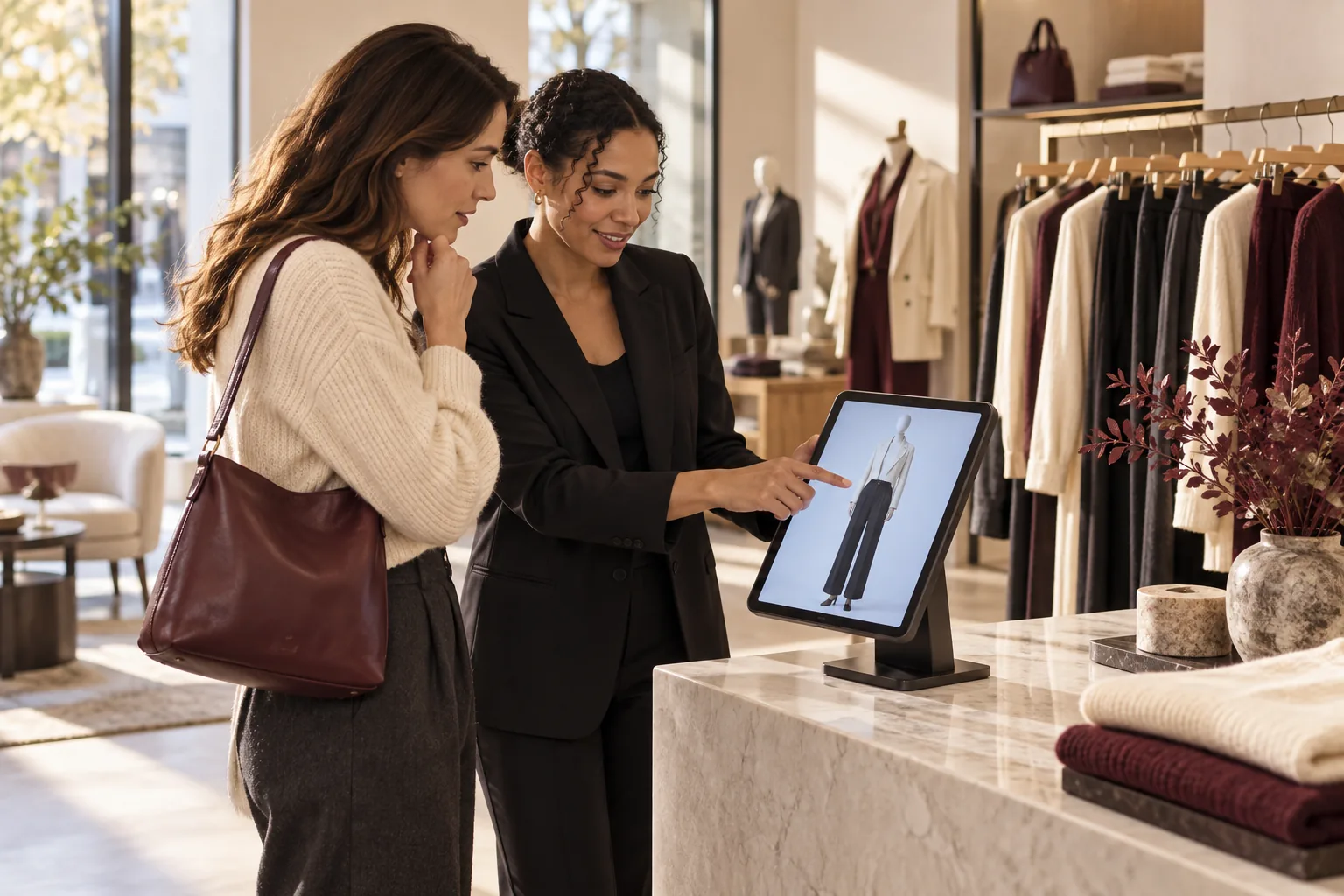
Imagine a shopper looking for a work-event outfit. An associate asks about the occasion, preferred colors and sizes. A guided styling tool assembles options from the local catalog. The shopper reviews a few coherent looks rather than searching every rack independently.
After the shopper chooses a direction, staff use the exact product and size list to collect the garments. They continue the conversation about fabric, comfort and alternatives. A generated image cannot establish those physical qualities.
This is an illustrative workflow, not a measured customer case study. If the shopper later asks for updates, that belongs in the store’s separate customer relationship process, with the appropriate communication permissions.

Questions to ask a clienteling supplier
Test realistic tasks, not just a feature list. Ask how a new associate finds a record, what happens when preferences change and which staff can see personal information. Check whether exporting or deleting records is practical for the people handling requests.
Confirm each integration individually. A catalog connection does not automatically connect purchase history, loyalty, appointments and messages. Ask which direction data flows, how often it updates and what staff see when synchronization fails.
- Which customer details are required?
- How are communication preferences and permissions recorded?
- Which roles can see and change profiles?
- Does the quoted plan include the necessary integrations?
- Can staff work from their current devices?
- What ongoing maintenance remains with the store?
| Test during the demo | Evidence to ask for |
|---|---|
| A customer changes a preference | An associate can update the record and see the correct value on another permitted device |
| A requested item is out of stock | The tool shows the correct store and variant availability |
| A staff member leaves | The manager can remove access without losing the store’s records |
| The store wants to leave the service | A clear export process and a description of what data can be recovered |
Where Beauty AI Kiosk fits
Beauty AI Kiosk supports outfit discovery during the store visit. A shopper selects available sizes on an iPad, can add a short wish, and reviews a mannequin or optional personal visualization using that store’s catalog. The selected item list remains on the same device for staff.
It does not require a shopper account and is not a replacement for a CRM, loyalty database, appointment system or automated follow-up platform. This separation is useful when the immediate need is helping anonymous walk-ins find relevant garments.
The merchant supplies the iPad and accurate catalog. A cardless trial starts when the first iPad connects and ends after 30 days or 500 successful looks, whichever comes first. The test covers one location and one physical iPad, without automatically starting a paid subscription.
Measure the workflow, then evaluate sales
For guided selling, record completed sessions, usable item lists, catalog errors and the effort needed to find garments. For clienteling, useful measures may include appropriate follow-up and returning-customer activity. Choose only measures your team can collect consistently.
Keep usage evidence separate from sales evidence. A completed session is not a purchase. Use checkout reports for sales outcomes and explain how you link them to the trial. Promotions, staffing and stock changes can affect the result. Kiosk activity alone does not establish attribution.
At review time, ask whether the process saves work or creates a second system to maintain. Continue when the workflow is useful, sustainable and supported by the store’s results. Avoid selecting a platform solely because a demonstration looks impressive.
Frequently asked questions
Is clienteling only for luxury stores? No. Independent stores can use the principle, but the software cost and upkeep should match their team and relationship workflow.
Can an AI stylist replace staff? It can organize outfit options. Associates still provide physical product knowledge, fit guidance and the final service.
Should every visitor have a profile? No. Collect what the requested service needs. Beauty AI Kiosk supports the active visit without a shopper account.
Sources and product references
Build outfits from your store’s stock on one iPad. Shoppers preview the look; staff see exactly what to bring. Start 30 days free · See the iPad experience.
1 store · 1 iPad · 30 days or 500 successful looks, whichever comes first. No card. No automatic paid subscription.