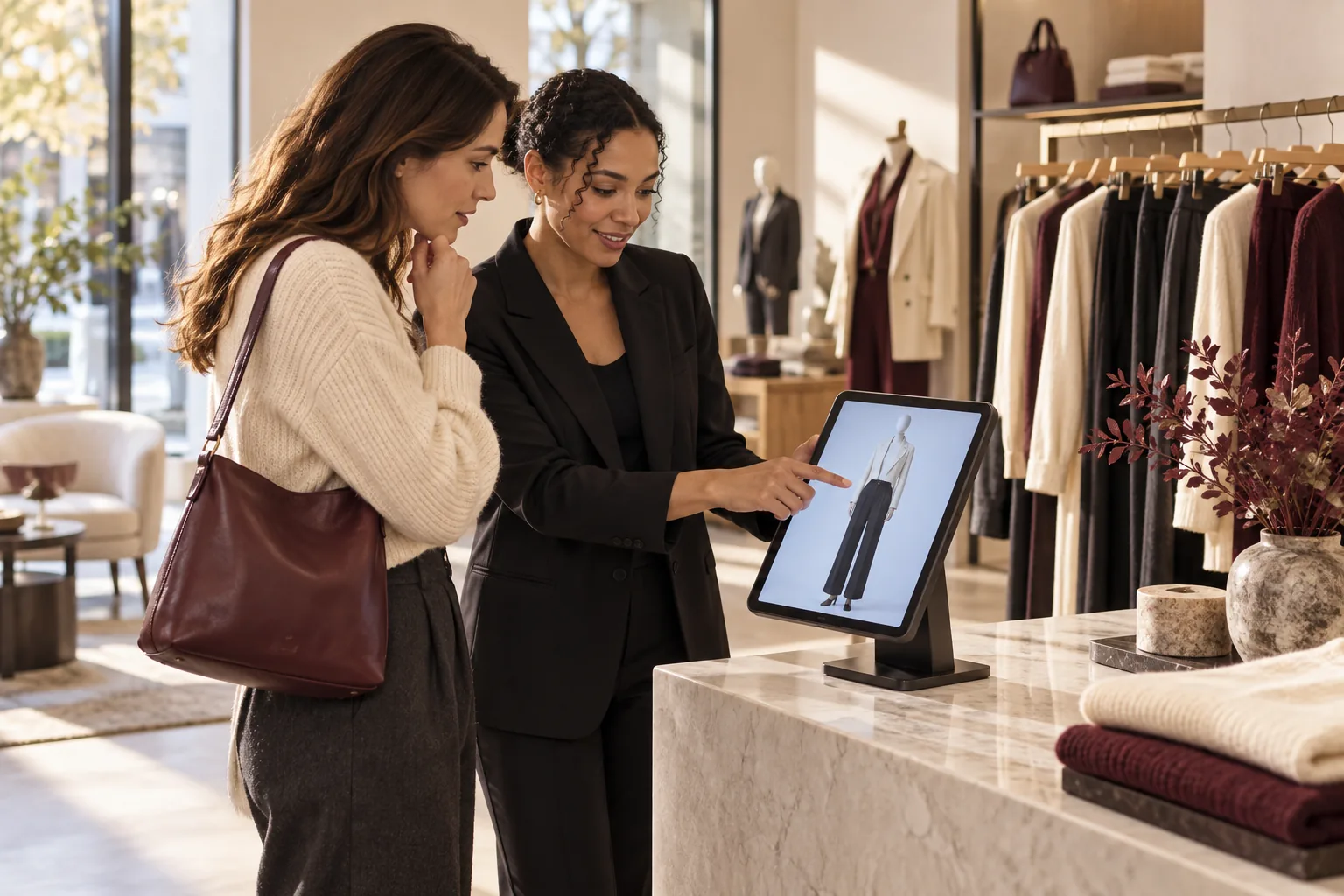
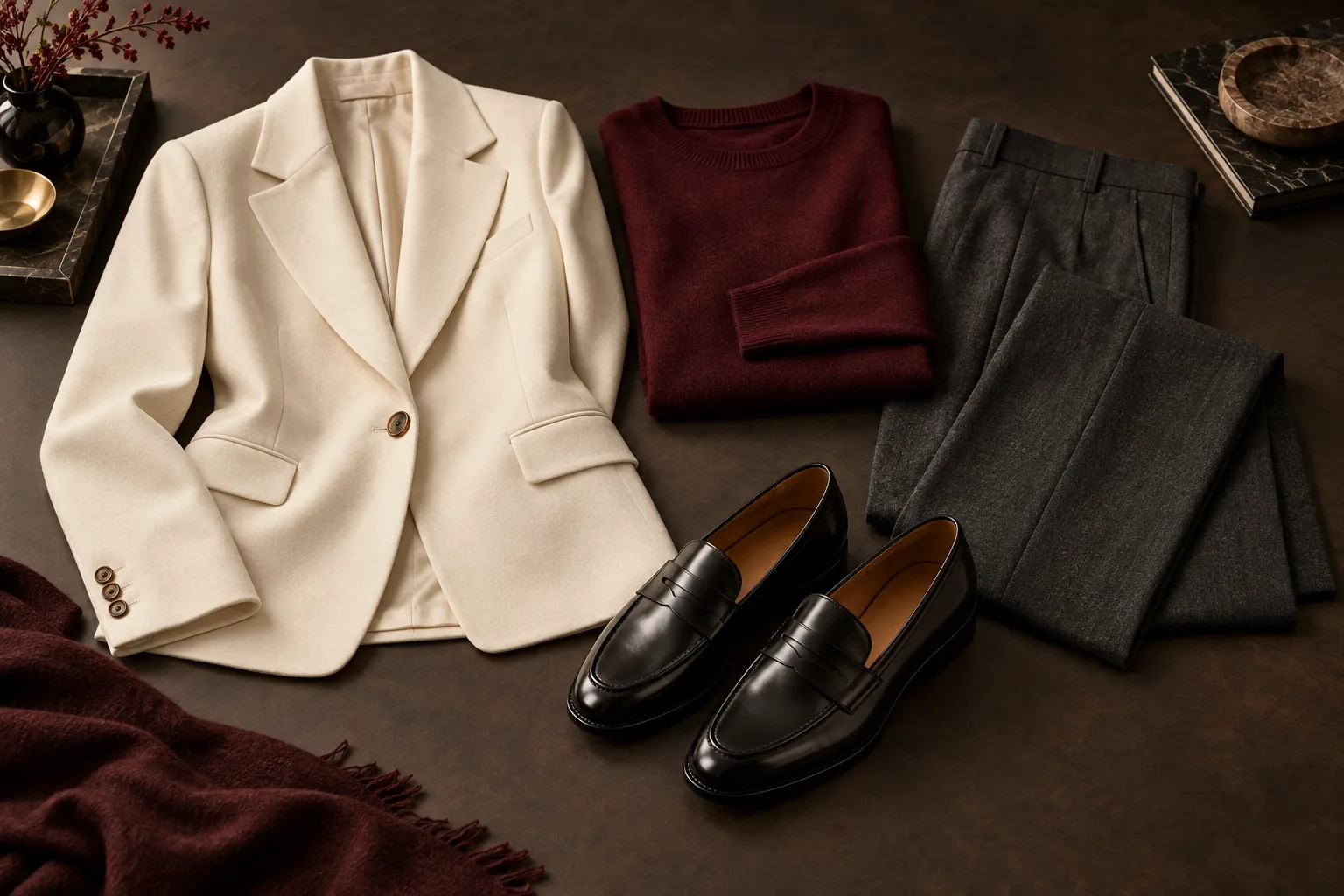
Cross selling means suggesting a complementary product that helps the customer use or complete their original choice. In a clothing store, that could mean matching a blazer with suitable trousers and shoes. The recommendation should solve the shopper’s actual outfit problem, respect their preferences and use available sizes. Start with a relevant combination, then make it easy to see, find and physically try the pieces.
Jump to a section
Cross selling versus upselling: the practical difference
Cross selling adds a complementary item. Upselling proposes a different version of the main item, usually at a higher price. If a shopper chooses a dress, showing a jacket that works with it is cross selling. Suggesting a more expensive dress is upselling. Neither approach should override the customer’s request.
The distinction helps with staff training. “Offer something else” is too vague. A better instruction is “identify one useful missing part of the outfit and explain why it belongs.” That creates a concrete service behavior you can observe and improve.
Examples that start with a shopper’s need
These are illustrative combinations, not rules for every customer. Start by asking about the occasion and preferences. Verify product compatibility and stock before presenting the suggestion.
| Starting item | Useful complementary suggestion | Reason to explain |
|---|---|---|
| Work blazer | Coordinating trousers and a simple top | A complete option for the stated work occasion |
| Occasion dress | A suitable layer and shoes | How the outfit works for the venue and weather |
| Everyday jeans | A compatible top and optional footwear | A look the shopper can wear together |
| Light summer outfit | A layer for cooler indoor spaces | Practical use rather than an unrelated add-on |
Use inventory as a constraint, not an afterthought
A suggestion only helps if the customer can act on it. Staff should see the correct variant, size, price and local availability. A product image without its variant can lead to wasted time searching for a size that does not exist.
Keep the selection manageable. A coherent complete look is easier to evaluate than a long list of loosely related products. If the shopper rejects one piece, learn why: the color, cut, occasion or personal preference may be wrong. Substitute a relevant item rather than restarting with more unrelated suggestions.
- Confirm the shopper’s sizes and intended use.
- Check every piece against the current store catalog.
- Explain the combination in ordinary language.
- Let the shopper decline an item without pressure.
- Make the selected products easy for staff to locate.
Teach a repeatable conversation
A useful opening is: “Would it help to see a complete outfit with that?” If the shopper agrees, ask one focused question about what they need. A customer buying for a work event may want a different combination from someone refreshing weekend clothes.
Present the suggestion as an option. Explain how the colors or pieces work together and check whether the shopper likes the direction. Do not imply that the first item is unusable without an extra purchase. The goal is a better decision, not a compulsory bundle.
Finish with an exact list and a physical fitting. Staff still need to check feel, fit, movement and final availability. A screen preview can support the conversation, but it cannot replace the actual garments.
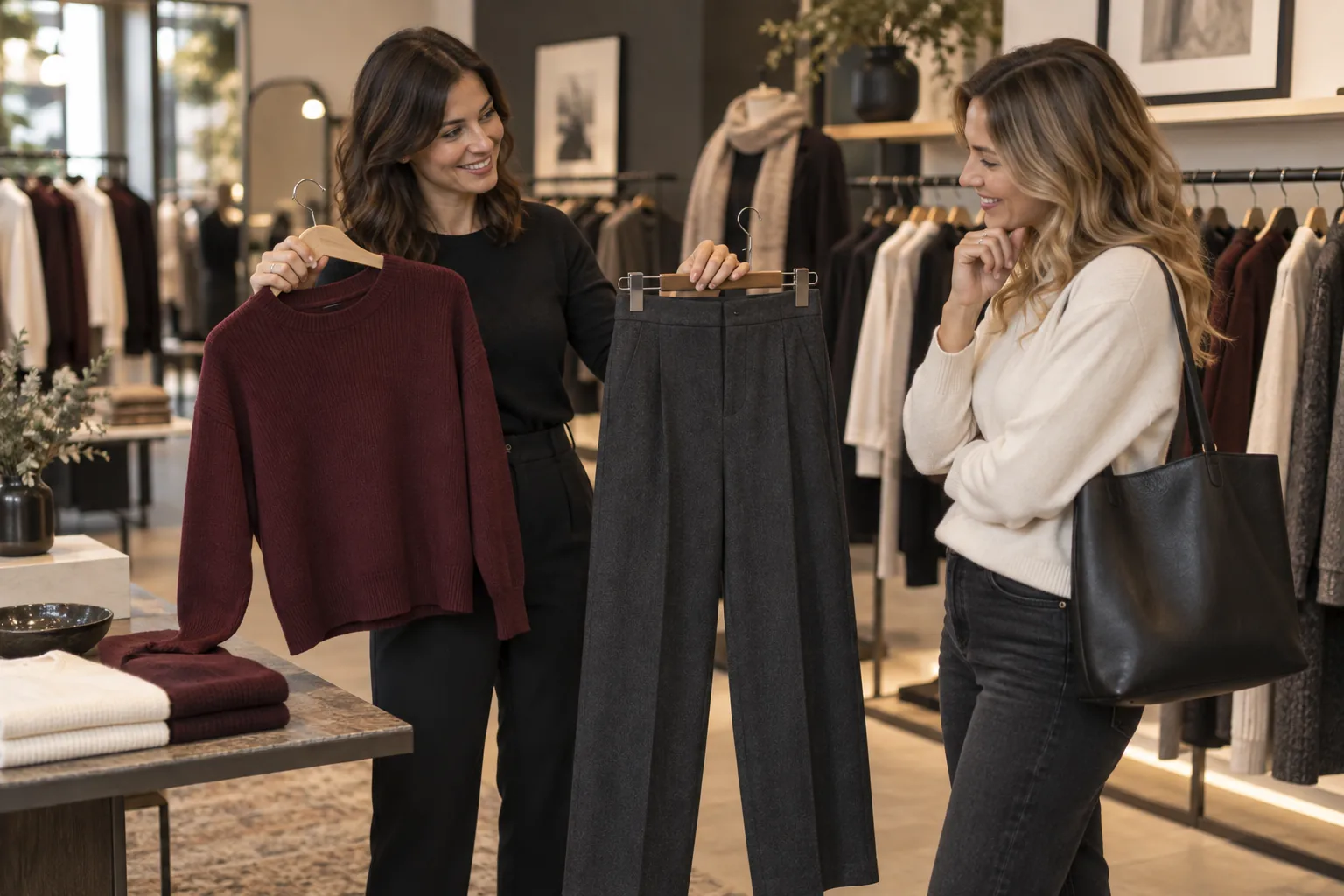
Use an iPad when the catalog is too large to browse mentally
Beauty AI Kiosk assembles complete looks from the current store catalog using selected available sizes and an optional shopper wish. The customer reviews a mannequin or consented personal visualization, then shows the selected products to staff on the same iPad.
That workflow can help surface relevant combinations that are not displayed next to each other on the shop floor. It does not create an automatic checkout, reserve stock or prove that a recommendation caused a sale. Staff continue the retail interaction and the existing checkout process.
Prepare product photos and exact variant data first. The store supplies a compatible iPad, secure stand, power and connectivity. A tool cannot fix a catalog that has incorrect sizes or stale availability.
Measure cross selling without confusing activity with revenue
Use your checkout system to calculate units per transaction: total units sold divided by completed transactions. Average transaction value is sales revenue divided by completed transactions. Keep the period and treatment of returns consistent. Review margin too, because selling extra discounted items may not improve the business outcome.
For an illustrative calculation, 180 units across 100 transactions gives 1.8 units per transaction. If another comparable period has 200 units across 100 transactions, that figure is 2.0. This is arithmetic, not a forecast or a claimed Beauty AI Kiosk result. You still need to understand changes in traffic, prices, promotions and stock.
Keep a separate record of the new workflow: how often staff offered a complete look, whether the item list was usable, and where customers stopped. Do not compare only enthusiastic kiosk users with all other visitors and treat the difference as proof. Those groups may already behave differently.
| Measure | Where to obtain it | What it tells you |
|---|---|---|
| Units per transaction | Existing checkout reports | How many items are purchased per transaction |
| Average transaction value | Existing checkout reports | The sales value of a typical completed transaction |
| Margin after discounts | Store accounting or merchandising reports | Whether additional sales remain worthwhile |
| Catalog and handoff problems | Staff review during the pilot | Whether the process is usable in the real store |
A practical pilot before a wider rollout
Choose one store and give staff the same short explanation of the process. Record an ordinary baseline period, then test over comparable trading days. Note special promotions, staffing changes, unusual footfall and stock gaps. Review both the customer experience and the checkout data.
Define your continuation criteria before the pilot begins. For example, require accurate item lists, a manageable staff workload and evidence that the resulting purchases are commercially useful. Stop or adjust if the process creates confusion, even if customers enjoy the novelty.
Beauty AI Kiosk lets you prepare a workspace and catalog before the trial clock starts. The cardless test begins with the first connected iPad and ends after 30 days or 500 successful looks, whichever comes first. It does not convert automatically to a paid plan.
Common questions about cross selling clothes
Do you need a discount? No. A complementary recommendation can be valuable because it solves an outfit problem. If you use a discount, evaluate its effect on margin rather than revenue alone.
Should every look include accessories? Only when the shopper wants them and suitable products are available. An irrelevant add-on can undermine the recommendation.
Can the kiosk guarantee higher sales? No. Results depend on the store, catalog, staff, customers and implementation. Use your own pilot data to decide.
Sources and product references
Build outfits from your store’s stock on one iPad. Shoppers preview the look; staff see exactly what to bring. Start 30 days free · See the iPad experience.
1 store · 1 iPad · 30 days or 500 successful looks, whichever comes first. No card. No automatic paid subscription.